How to Type in Hindi on Computer and Mobile (4 Easy Ways)
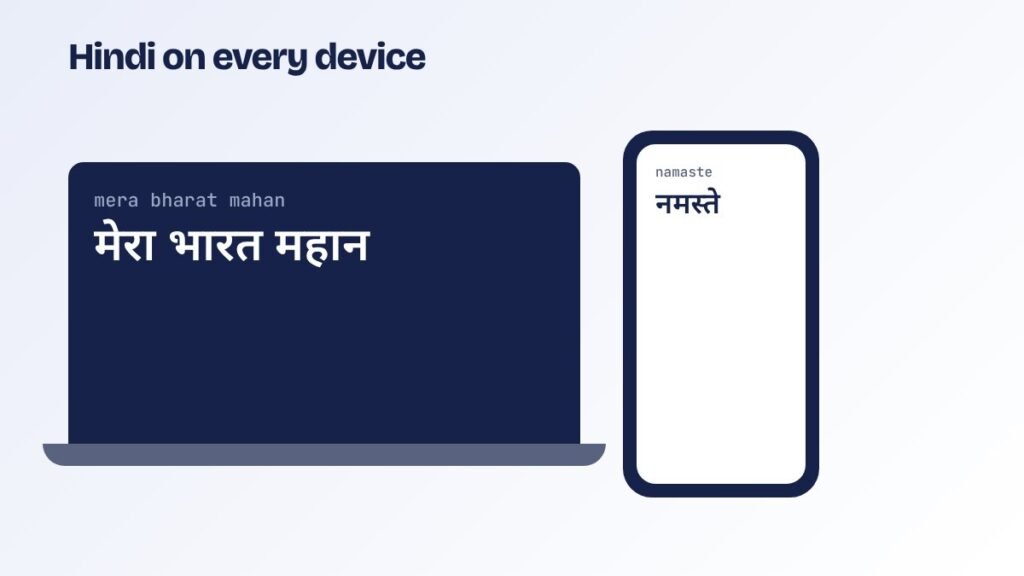
There are four easy ways to type in Hindi, depending on whether you want quick messages or exam-level Hindi typing.
1. Type Hindi online with English letters
The fastest way, with nothing to install. Open the Hindi typing tool, type mera bharat mahan, press space after each word and get मेरा भारत महान. Click Copy and paste it anywhere. Good for messages, posts, letters and forms.
2. Add the Hindi keyboard in Windows
- Open Settings, then Time and language, then Language and region.
- Click Add a language and choose Hindi.
- Under keyboard options, choose Hindi Traditional (Inscript), or Hindi Phonetic if available.
- Switch between English and Hindi with Win + Space.
Inscript types fixed Hindi letters on each key. See the layout on the Hindi keyboard chart.
3. Google Input Tools in the browser
Google offers a Chrome extension for phonetic typing in Indian languages. Once added, choose Hindi from its icon, then type in English letters in any text box on any website.
4. Hindi on Android and iPhone
- Android (Gboard): Settings, Languages, Add keyboard, Hindi. Choose “Hinglish” or “Hindi (transliteration)” to type in English letters, or the Hindi layout to type letters directly. Voice typing in Hindi is also very accurate.
- iPhone: Settings, General, Keyboard, Keyboards, Add New Keyboard, Hindi, and choose Transliteration.
Which method for which purpose
| Purpose | Best method |
|---|---|
| Quick messages and posts | Phonetic: online tool or Gboard |
| Office documents | Windows Hindi keyboard (Inscript) or phonetic |
| Government typing exams | Inscript or Remington GAIL only, practised on a Hindi typing test |
| Old Krutidev files | Convert with Krutidev to Unicode |
Also for other languages
The same phonetic method works for Marathi, Tamil, Telugu, Bengali and more on our Indian language typing page.
Practise now
- English Typing TestFree online English typing test with exam-style passages. Check net WPM, accuracy, KDPH and full or…
- Hindi Typing TestFree Hindi typing test online with Mangal (Inscript) and Remington GAIL keyboards built in. Hindi passages…
- Exam Typing TestsFree typing test simulations for SSC CHSL, SSC CGL DEST, CPCT, RRB NTPC, DSSSB, UPSSSC, Supreme…
- Typing TutorFree online English typing tutor with 12 step-by-step lessons: home row, top and bottom rows, capitals,…